Promo Code Claim Recovery When Moving Between App, Browser and Desktop
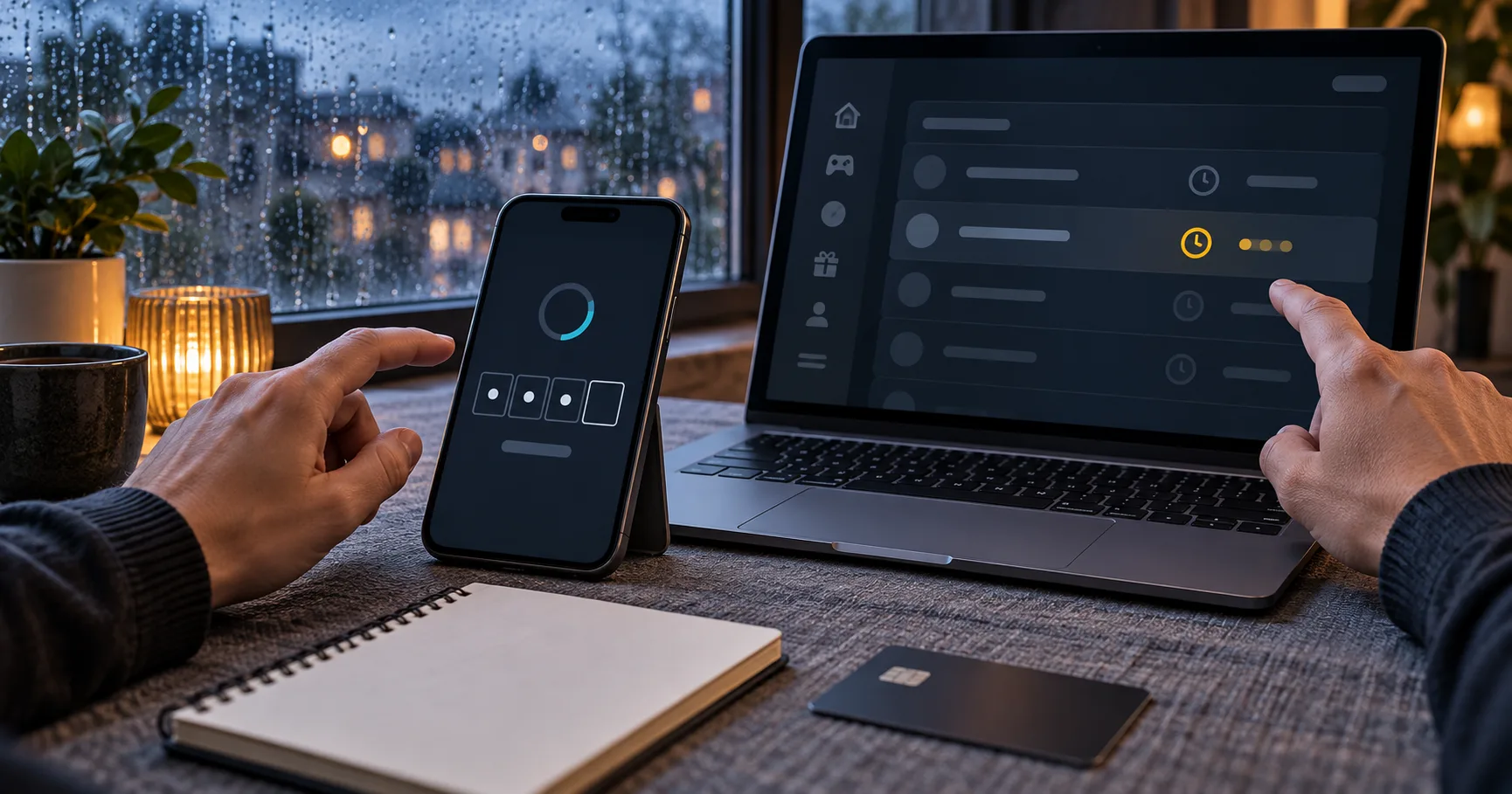
If rain weakens your mobile signal halfway through a Promo Code claim, should you wait, reopen the app or move to a desktop browser? A first-time player can easily mistake a frozen screen for a rejected code. The safer response depends on which step finished before the connection failed.
EVENT — On 23 September 2026, Inquirer News reported that a trough of a tropical depression would bring rains to parts of the Visayas and Mindanao. The report, titled Trough of TD to bring rains in Visayas, Mindanao — Pagasa, raises a practical question for players relying on mobile data rather than a fixed home connection.
IMPACT — Rain does not automatically change a promotion's rules, but an unstable connection can interrupt registration, code submission, e-wallet redirection or the return from a payment page. The affected player may see a spinner, an empty field or an unchanged balance even when one part of the request reached the platform.
READER ACTION — Avoid repeating the same claim or cash-in immediately. Record the screen, check the promotion history and reconnect before deciding whether to retry. As of 23 September 2026, the weather situation remained current only through 30 September; later conditions may differ.
Start by identifying the unfinished step
A Promo Code claim is not one indivisible action. It may include opening an offer, signing in, entering the code, accepting conditions and waiting for the account to update. A connection failure between any 2 steps can produce a different visible result.
For example, a code may remain in the field because submission never left the phone. In another case, the submission may finish while the confirmation screen fails to load. Entering the same code again could then produce an “already used” state without proving that the first claim failed.
Check whether the code field is still editable, because an untouched field usually indicates that submission did not complete.
Open the promotion or transaction history once, and look for a pending, claimed, credited or rejected state before retrying.
Compare the cash balance and promotional balance separately, since a Bonus may not appear inside the withdrawable wallet.
Capture the time, device and visible status in 1 screenshot, while keeping passwords and one-time codes outside the frame.
Wait for a stable connection before making a second attempt, especially if an e-wallet or payment-centre step was involved.
App, phone browser and desktop preserve different clues
An app can be convenient when it keeps a player signed in and restores the same screen after a brief signal drop. That advantage disappears if the app reloads from its home screen, hides the full address or stores an outdated promotion page in its cache.
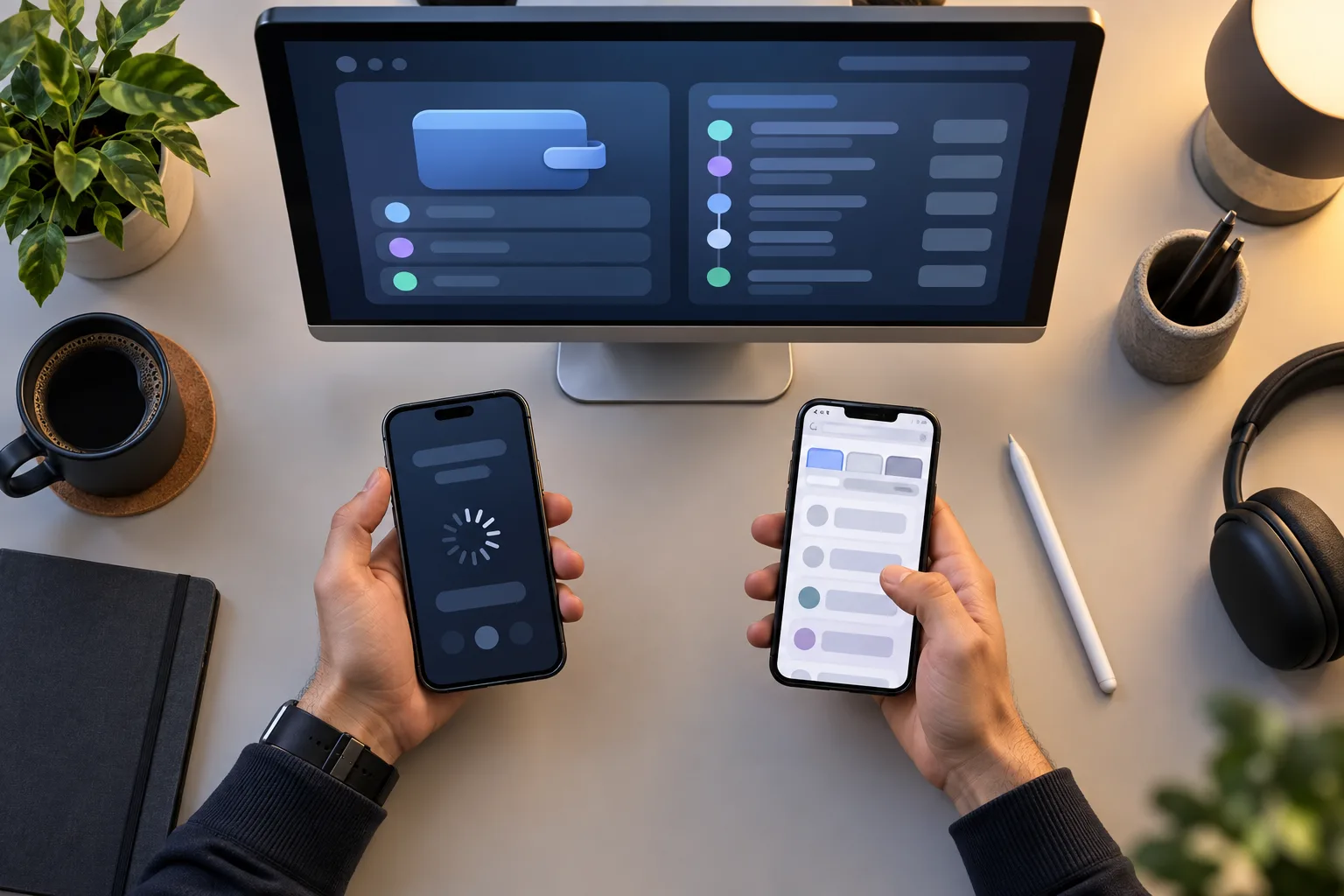
A mobile browser exposes more navigation clues. Tabs, page history and the address bar can help a first-time user return to the original claim page. However, switching from the browser to an e-wallet can cause the browser tab to refresh when a phone has limited memory or many apps open.
A desktop browser offers the widest view of terms, wallet categories and account history. It is useful for checking rather than urgently repeating an action. A desktop does not repair a failed submission, and moving devices cannot extend an expired offer or override an account restriction.
Use the app when it retains the exact claim screen and clearly shows whether the request remains pending or complete.
Use a phone browser when you need tab history, a visible page address or easier access to the full promotion conditions.
Use desktop when several panels must be compared side by side, including balances, claim history and published offer rules.
Stay on the original device when an e-wallet handoff is still open, because changing devices may break that return path.
Change devices only after recording the first screen and confirming that no submission, cash-in or verification request remains pending.
Plan mobile data around the screen you need
Exact consumption varies by device, software and page design, so no single figure applies to every platform. For planning purposes, a mostly static promotion page might consume only a few megabytes, while animated games and live video can use far more during the same period.
A cautious hypothetical allowance could reserve 5 MB to open rules and enter a code, 10 MB to review account history, and another 10 MB for screenshots, reconnection or an e-wallet return. That 25 MB allowance is not a measured platform requirement. It is simply a buffer for a short administrative task.
Gameplay changes the calculation. A slot session may repeatedly load animation and audio, while live casino video can maintain a continuous stream. A Fishing Game may also involve persistent animation and real-time input. Claim the code and confirm its status before opening any data-heavy game category.
During the Philippine “-ber months,” evening travel, shopping stops and family gatherings can encourage short phone sessions away from home Wi-Fi. If mobile data is inconsistent, complete account checks earlier and leave gameplay for a connection that can hold steady.
What can fail on a weak connection
A broken visual response is not always a broken account action. The screen shown after reconnection matters because it distinguishes a local display problem from a server response that already changed the account.
The claim button may remain active even though the first request reached the account, making an immediate second tap risky.
An e-wallet page may open successfully but fail to return to the original browser tab after authentication or payment approval.
The balance panel may display cached information until a manual refresh retrieves the latest account state from the platform.
A countdown may continue while the phone is offline, because reconnecting does not necessarily restore time lost during an interruption.
A game may disconnect after the promotion is credited, which is a session problem rather than evidence that the code disappeared.
A PHP 500 example without invented operator terms
Consider a purely hypothetical offer. Say a player deposits PHP 500 and receives PHP 100 in promotional value under a 20x wagering condition applied only to that PHP 100. The required wagering would be PHP 2,000 because PHP 100 multiplied by 20 equals PHP 2,000.
Those figures are teaching numbers, not the terms of Jade Lantern Play or any real operator. A different offer might apply its multiplier to the deposit, the promotional amount or both. It might also restrict eligible games, maximum stakes or withdrawal while promotional value remains active.
Suppose the signal fails after the PHP 500 cash-in but before the PHP 100 appears. The player should not assume that another PHP 500 deposit is necessary. The correct task is to check whether the cash-in is complete, whether the code is recorded and whether the promotional balance updates separately.
The same distinction applies to Free Credits. A visible promotional entry may have different conditions from cash, so account history and published rules matter more than the colour or position of a wallet tile.
Use a 3-minute recovery check before retrying
A short recovery routine reduces duplicate actions without turning a small interruption into a long support case. Three minutes is a personal control window, not an industry rule or promised processing time.
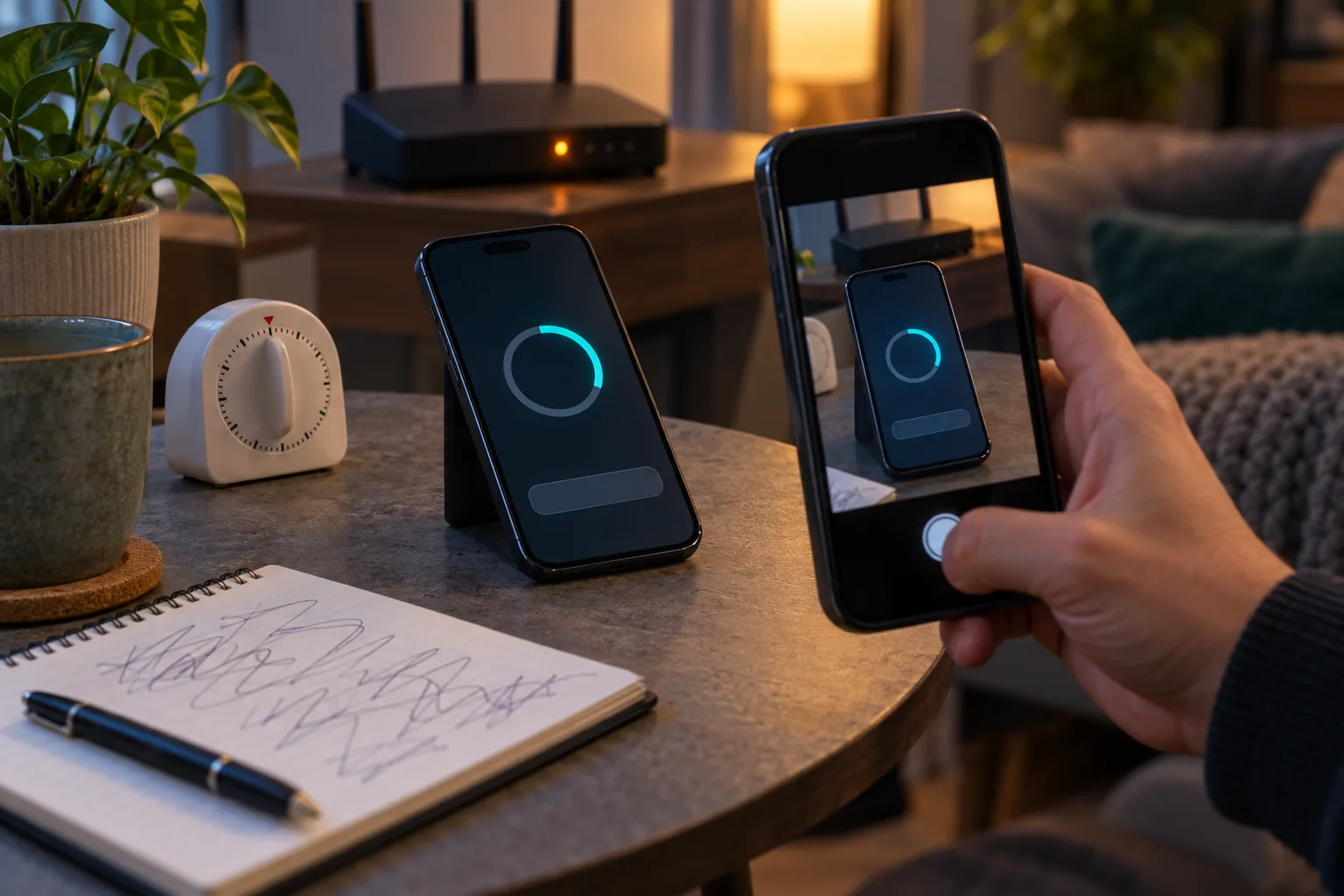
Stop tapping for 30 seconds and confirm whether the phone shows mobile data, Wi-Fi or an offline state.
Record the current screen and note whether the interruption occurred before submission, during loading or after an apparent confirmation.
Reconnect once, reopen account history and compare the cash and promotional balances without making another deposit or claim.
If the status remains unclear, retain the screenshot, approximate time and payment reference for the platform's support channel.
Do not share a password, full card information or one-time password in a screenshot. A useful record needs the claim state and time context, not every private credential connected with the account.
Who needs to change devices, and who does not?
A player on mobile data in the Visayas or Mindanao may benefit from postponing the claim if rain coincides with an unstable local connection. Someone on reliable home Wi-Fi does not need to move to desktop merely because a weather advisory exists.
Desktop is most useful when the phone screen hides conditions or when several account panels require comparison. The phone remains preferable when an e-wallet handoff is already underway or the app preserves a pending claim state that would be lost after switching.
The core rule is simple: protect evidence before changing anything. A weak connection can interrupt what you see, but only the account history and published promotion status can show whether the Promo Code action actually finished.