Fishing Game App or Browser? What Happens When Your Phone Session Gets Interrupted
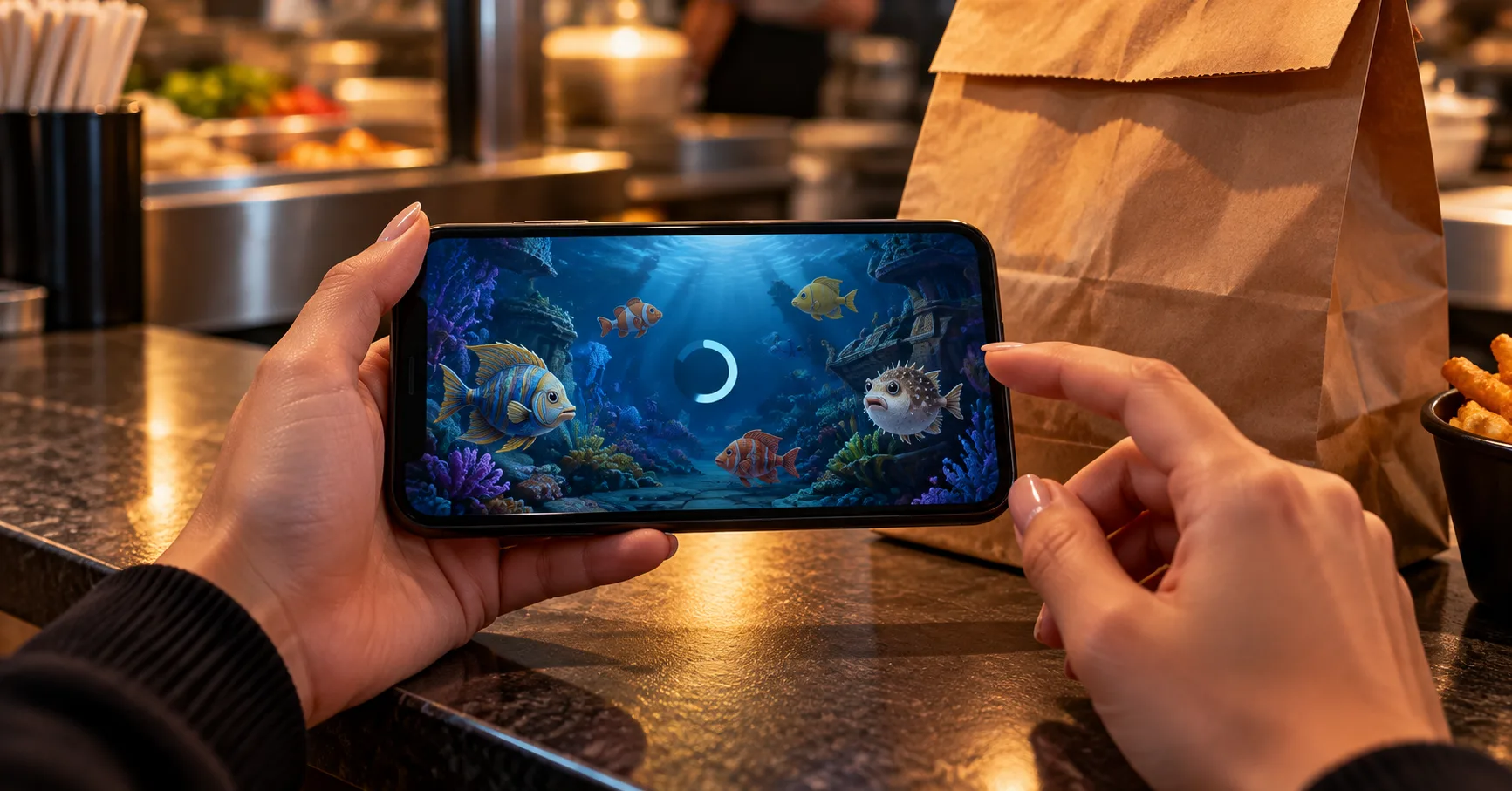
You are waiting for a takeaway order, using mobile data, when your Fishing Game screen stops responding. The fish stay visible, but your last tap has no clear result. Your order is nearly ready, and reopening the game could leave you unsure whether that action counted.
That situation matters more than whether an app looks smoother than a browser. For a mobile-only player, the useful comparison is how clearly each version handles interruptions, small controls, loading and account records. A desktop offers more viewing space, but it cannot settle an uncertain action simply by displaying a bigger screen.
Build your choice around the interruptions you actually face. A seated lunch break, a moving commute and a queue that advances unexpectedly place different demands on the same phone.
The queue is moving, but your game needs attention
A short opening in your day does not necessarily make a suitable playing session. If you must pocket your phone without warning, any control that continues paid actions deserves particular attention. Check whether the game offers automatic firing, what activates it and how you stop it.
Consider a hypothetical PHP 100 entertainment limit with PHP 2 deducted per paid action. That allows 50 actions before any returns, not 50 minutes of play. At 10 actions per minute, those deductions total PHP 20 per minute. These figures illustrate spending speed; they do not describe any particular game.
The most affected player is someone switching attention between the screen and another responsibility. Someone seated with reliable connectivity faces fewer interruptions, although the spending controls still matter. Before opening a paid session, make this practical check:
- Choose a moment when you can stop deliberately, rather than relying on closing the phone as your only exit from active play.
- Locate the control that stops repeated paid actions, and check its behaviour before allowing any automatic feature to continue unattended.
- Set a peso limit independently of your available break; a hypothetical PHP 100 allowance does not grow because your order takes longer.
- Keep enough attention available to read the selected cost, because a crowded screen can make an accidental setting change difficult to notice.
- Finish the session before walking, boarding transport or paying for an order, when your hands and attention have another immediate job.
An installed icon does not answer the connection question
Compare the app and browser using the same practical questions. Can you read the current action cost? Can you stop activity easily? Can you find a record after reconnecting? An installation alone does not establish that the game handles weak mobile data better.
Separate installation from ordinary use when comparing data consumption. For a hypothetical comparison, imagine an app download of 120 MB followed by 8 MB during a session. Imagine the browser loads 18 MB during its first session. Those invented measurements describe different starting costs, not a universal app advantage.
Updates and downloaded assets complicate that comparison. A later browser visit may reuse stored material, while an app may require another download. Measure the version you actually use across several visits. Neither the download size nor a single smooth session predicts every future connection.
- Open the service through its established website and inspect the available access options before assuming that an advertised app is necessary.
- Check the download size before installing over mobile data, and include any additional loading that appears when the game first opens.
- Compare app and browser with similar session lengths, keeping installation traffic separate so that the totals answer the same question.
- Inspect how each version displays reconnection, account history and selected action cost, rather than judging only animation quality or launch speed.
- Choose the version with clearer controls and records on your phone; leave paid play alone if neither version handles interruptions clearly.
Measure megabytes around the whole visit
There is no useful universal MB-per-minute figure for every Fishing Game. Your visit can include the lobby, game assets, animations, account pages and reconnect attempts. Measure that complete journey if it matches how you play. Timing only the active screen can leave out the loading you repeat between errands.
Use your phone's data-usage settings to compare readings around a controlled visit. Check what the counter includes before interpreting it. If the browser total also includes other tabs, that reading cannot isolate the game perfectly. Keep unrelated browsing outside the measurement window.
Suppose the relevant counter rises from 240 MB to 258 MB during a 6-minute visit. The hypothetical difference is 18 MB, averaging 3 MB per minute for that visit. Five identical visits would total 90 MB, but repeated loading or updates could change the result.
- Record the relevant data counter before opening the lobby, noting whether it measures the individual app or the browser as a whole.
- Run one short visit without unrelated browsing, and include the account pages you ordinarily open before leaving the game completely.
- Read the counter again after closing the session, then subtract the starting reading rather than treating the cumulative total as session usage.
- Repeat on another visit, separating first-load traffic from later use; two different readings reveal more than one apparently precise average.
- Compare the measured total with your remaining allowance, leaving room for messages, maps and payments instead of allocating everything to entertainment.
A phone showing a strong signal still needs a responsive connection. Download volume and responsiveness answer different questions: how much data moved, and whether actions received timely replies. A low measured total does not prove that a session remained usable throughout.
Your thumb competes with the playing area
On a phone, your finger can cover the target and nearby controls at the same time. Desktop users usually have more space to separate the playing area from settings. That helps visibility, but a larger display does not establish better payouts or confirm a disputed action.
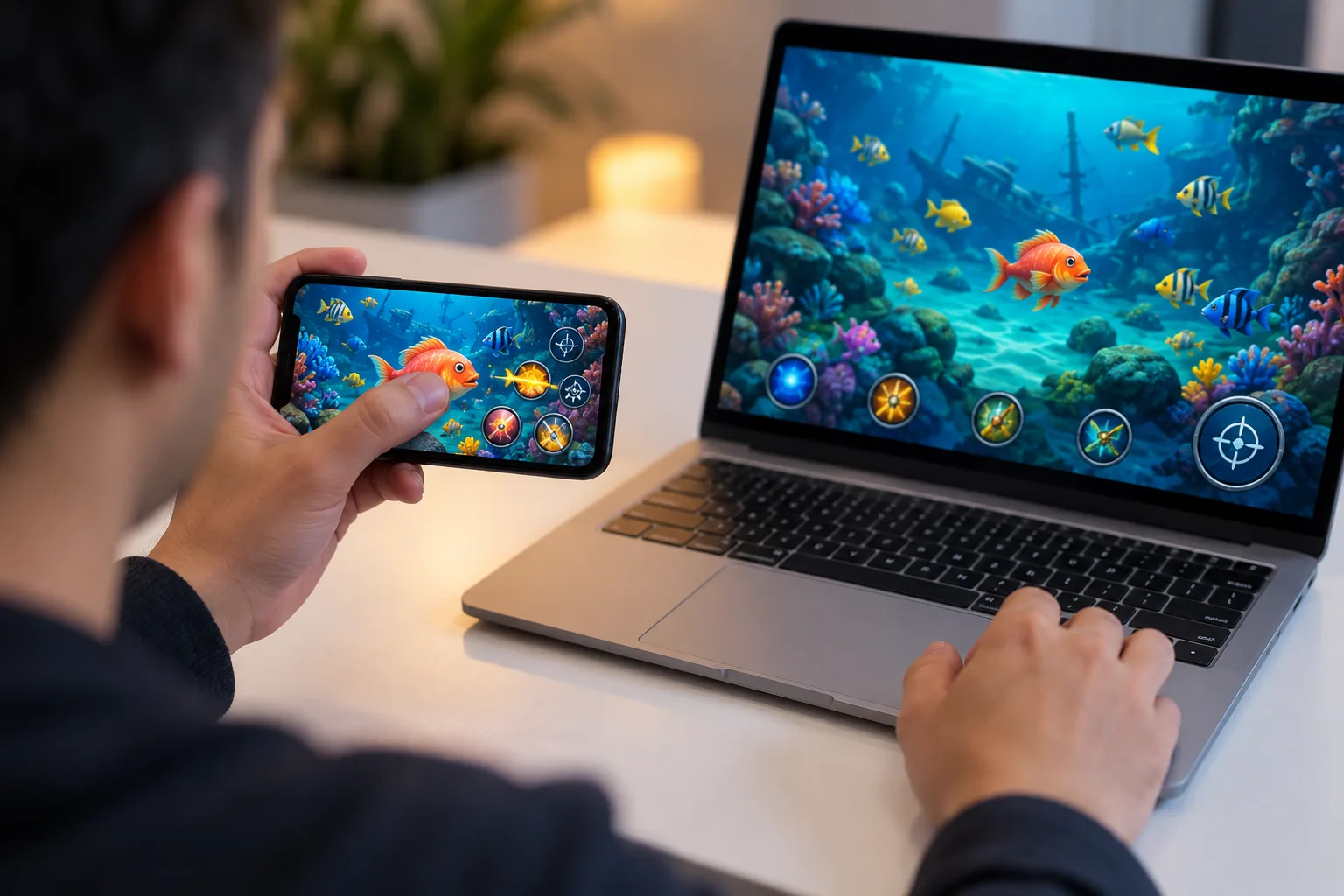
Compare portrait and landscape views before spending, where both are supported. Look for the action cost, balance, stop control and any selected automatic mode. If rotating the phone hides one of those elements, the wider playing area may be a poor trade.
A hypothetical change from PHP 1 to PHP 5 per action multiplies the cost by 5. Across 20 actions, that means PHP 100 instead of PHP 20 before returns. This is why readable settings matter more than decorative detail. Recheck them after rotating, reopening or switching versions.
If you use Free Credits to inspect controls, read their conditions before treating them as equivalent to cash. Their usefulness here is limited to checking visibility and interaction. A successful tap test does not demonstrate how paid actions settle during a connection failure.
A frozen picture leaves an accounting question
A stalled animation does not tell you whether your last action reached the service. Repeated tapping can add uncertainty when the screen eventually catches up. Stop interacting and preserve the sequence instead. The important question is which actions the account record actually shows.
Different interruptions deserve different responses. A loading screen before entry is not the same as a freeze immediately after a paid action. Likewise, returning from another app may expose a stale display. Do not treat these situations as proof that nothing happened.
- Stop tapping as soon as the screen becomes unresponsive, particularly if you have just selected a paid action or enabled repeated activity.
- Note the approximate time and visible balance, and capture the stalled screen if practical without exposing passwords or sensitive account details.
- Restore a usable connection before reopening the account, keeping further paid actions paused while you inspect the available transaction or game history.
- Compare the recorded actions with your notes, and look for pending entries or references rather than relying entirely on the animation you remember.
- Ask support to trace unresolved entries using the recorded time and reference, and resume only when you understand the resulting account position.
Returning later should not create a new obligation
For a mobile-only player, the best stopping point is one that leaves no accounting question for the next break. Check that automatic activity has stopped and that the balance reflects the session. If an entry remains unresolved, keep the reference somewhere accessible before putting the phone away.
A Bonus can complicate an otherwise simple return visit when its conditions include expiry or play requirements. Check whether Fishing Game play qualifies and whether a deadline fits your routine. An offer that pressures you to continue through interruptions is a poor match for short sessions.
Choose between app and browser using evidence from your own phone: readable controls, measured data consumption and understandable records after an interruption. Desktop access can make inspection easier if available. For someone using only mobile data, however, a clear stopping process is the more useful requirement.