Promo Code Dispute: Read the Notice, Save Evidence and Reach Support
On 28 September 2026, Philstar Business reported that the IMF urged the Philippines to broaden its tax base and avoid tax amnesties.
That is economic policy advice, not a change to a Promo Code offer. The reported recommendation does not say that an existing code has expired, that a player must pay a new charge, or that a cash-out rule has changed. If a message on your phone claims the headline has altered your promotion, read the actual offer notice and ask support to identify the applicable term. Do not treat a headline or an unsolicited payment request as proof of a new condition.
Your immediate action is to preserve the notice you saw, the time you tried the code, and the result shown in your account. That gives support a specific claim to check, even if you have only a few minutes on mobile data.
As of 28 September 2026; this news context may be outdated after 5 October 2026.
Find the sentence that governs your claim
A code announcement may say who can enter a code without saying who ultimately receives a reward. It may announce an end date while leaving a separate claim deadline or play condition in the detailed terms. Read the notice that applied when you acted, then compare it with the message on your account. A current banner alone cannot show what your screen displayed yesterday.
Check these parts of the notice before describing the problem to support:
Record the exact code you entered and whether the notice limits it to new accounts, selected players, or a particular channel.
Capture the stated start and end dates, including any time zone, so a late-night attempt can be assessed accurately.
Identify whether the notice requires entry before cash-in, after cash-in, or before a qualifying game session begins.
Save the displayed reward type and any claim deadline; an entry confirmation may be different from an awarded balance.
Note any exclusion shown for payment methods, games, or accounts, without assuming that an unlisted restriction applies.
Those checks matter because a failed code and a missing reward are different complaints. In the first, support needs the entry attempt and error state. In the second, it needs the accepted entry, the qualifying activity, and the balance history. If the notice calls the reward Free Credits, preserve that wording. If it calls the reward a Bonus, preserve that wording too; the two labels should not be silently treated as cash.
Save the evidence while the screen is available
Mobile sessions are easy to interrupt. An app may refresh when you switch to GCash or Maya, and a banner may vanish when a promotion closes. Take screenshots before restarting or making another payment. Keep the original images rather than cropping away the clock, address bar, or surrounding terms; those details can help place a message in context.
A useful evidence set contains the following items:
Save the offer notice and detailed terms as they appeared when you claimed, including the code and visible date information.
Capture the code-entry screen immediately after submission, whether it shows acceptance, a loading state, or an error.
Keep the account balance before and after the attempt, with separate views if cash and promotional balances appear separately.
Retain the GCash, Maya, or payment-centre receipt when a cash-in is relevant, including its transaction reference and time.
Record the affected game or transaction history only if the dispute concerns a qualifying play or a later cash-out.
Protect the same evidence when sharing it. Support may need a transaction reference, but a full wallet PIN, password, one-time code, or complete identity document does not belong in an ordinary chat message. Use the support route shown inside the account or on the site you intended to use. A social-media account repeating a familiar logo is not, by itself, a verified support channel.
Turn a short mobile session into a clear timeline
Support can investigate a sequence more readily than a message saying only that the promotion disappeared. Write your timeline in your phone's notes while the times are fresh. Local clock readings are helpful, especially if the offer uses a different time zone. If mobile data drops between screens, describe that gap instead of guessing what the server recorded.
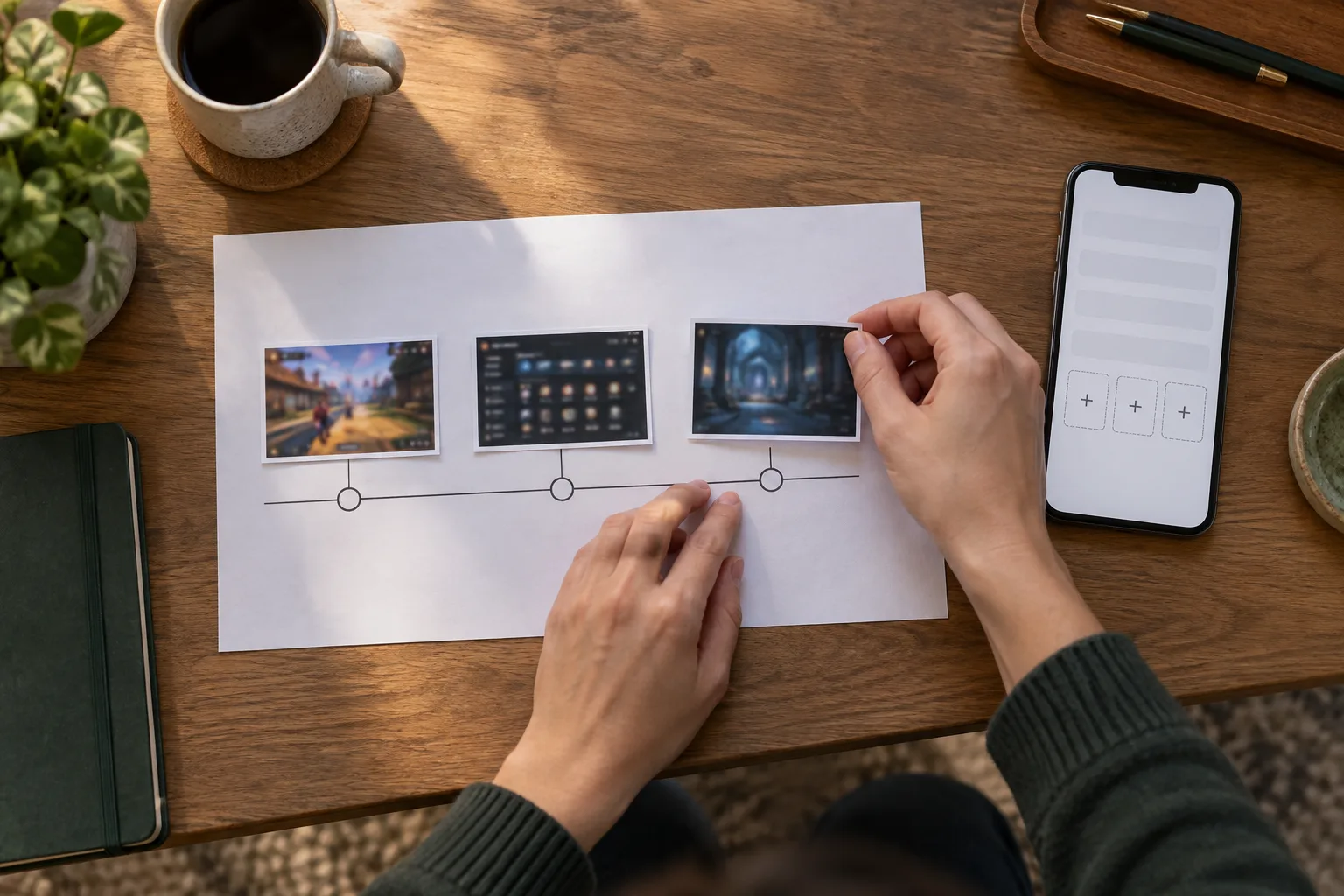
State when you saw the notice, which account you used, and the code you entered, using the exact characters shown.
Give the time of each relevant action, such as code entry, cash-in, game launch, and the first missing reward.
Describe the visible result at each point, distinguishing an accepted code from a reward that actually appeared.
Attach the matching screenshots and transaction reference, then ask which displayed term explains the result.
Keep one case reference if support provides one. Sending the same issue through several chats during a commute can split the evidence across conversations. If a session ends before you can upload images, send the concise timeline first and add the files when your connection is steadier. Do not repeat a cash-in merely to produce a second receipt for the same claim.
Use a worked example to separate the possible causes
Consider a hypothetical player who sees a code notice at 08:10, enters the code at 08:13, and cashes in PHP 500 through Maya at 08:16. At 08:18, the wallet shows a completed payment, while the gaming account still shows its earlier balance. At 08:22, the account balance updates, but no promotional reward appears. These are example times and amounts, not terms or performance figures for any operator.
The first question is whether the PHP 500 cash-in reached the intended account. The wallet receipt and account transaction history address that question. The second is whether the promotion required the code before payment and whether acceptance was recorded. A screenshot of the entry result and the notice address that question. The third is whether a reward had to be credited immediately or after another stated condition. Only the displayed terms and support's account record can settle it.
A different hypothetical shows why the reward label matters. Say a notice offers PHP 100 in promotional credit and requires 20x wagering on that credit. If those were the actual displayed terms, the stated play volume would be PHP 2,000: PHP 100 multiplied by 20. That calculation does not establish eligibility, game contribution, expiry, or withdrawal rights. Save the full notice rather than sending support the PHP 2,000 figure alone.
Read the support reply against the original notice
A useful reply identifies the event support found: code rejected, code accepted, cash-in unmatched, condition incomplete, or reward posted to a separate balance. It should also point to the term used to reach that conclusion. If the answer only says that the account is ineligible, ask which eligibility condition applies and what account event support checked. Keep the question narrow enough for a mobile chat.
Some disputes end when an overlooked condition is identified. Others end when support locates a delayed account entry or corrects an error. A player may still disagree because the later explanation does not match the notice captured at claim time. In that case, reply in the same case thread with the two pieces of evidence side by side: the notice and the account result. Ask for a review of that mismatch, not a general explanation of promotions.
Do not infer a resolution time from another player's experience. A payment question may require a transaction reference, while a reward question may require an offer record and play history. Check the case status when you next have a stable connection, and save each reply. If support requests another document, ask how to submit it through the account's designated route before sharing sensitive information.
Know what has been resolved before you play again
A completed cash-in does not prove that a Promo Code qualified, and an accepted code does not prove that a reward is withdrawable. Treat each confirmation as evidence for only the step it describes. Before starting another short session, check whether the disputed amount appears in cash balance, promotional balance, or neither. That distinction prevents a second play session from obscuring the first claim.
If the answer remains unclear, leave the case open with a specific question and its supporting image. You can ask support to confirm the recorded entry time, the applicable notice, and the balance where any reward was posted. Those three facts are more useful than repeating that the offer looked valid. During the September to December holiday build-up, when a promotion can be easy to glance at between errands, a saved notice and a four-event timeline give you a firmer record than memory.