Following crazy time score? Make Your GCash or Maya Deposit Fit Your Budget
You have PHP 500 in GCash or Maya, a Crazy Time page open, and only part of that balance available for entertainment. Before moving money, check whether the cashier actually offers a payment route your wallet can use. A familiar wallet logo elsewhere on a website does not establish that the route is available for your account.
Following crazy time score can make the next round feel urgent, especially when you are watching on your phone after dinner. Payment deserves a separate moment of attention. Your wallet balance, casino balance and game display describe different things, and only the relevant transaction records can explain where a deposit stands.
Which kind of wallet user needs this walkthrough?
This walkthrough is for an adult player using personal discretionary funds and a GCash or Maya account they control. It is particularly relevant when PHP 500 represents the entire available entertainment budget, because a duplicate payment or unexpected deduction leaves little room for error.
Someone whose casino account already holds their planned session money does not need another wallet transfer simply because a results page is moving. A reader only viewing crazy time results today also has no payment step to complete. Checking results does not itself require funding a gambling session.
The route matters most for someone moving between apps on one phone. Opening GCash, returning to a browser and checking a cashier can leave several screens showing different stages. Keep the payment journey separate from the live game until the deposit has a clear status.
Give the PHP 500 two separate jobs
Start with the amount you can lose without affecting food, transport, bills or mobile data. A wallet balance is not automatically a gambling budget. If part of that PHP 500 belongs to another purpose, set it aside before inspecting deposit options.
For a hypothetical calculation, reserve PHP 200 and allow at most PHP 300 for the session. If an illustrative payment route adds a PHP 10 charge, a PHP 300 transfer would cost PHP 310. To remain within the PHP 300 spending cap, the transfer could be no more than PHP 290, assuming that amount meets the cashier's minimum.
These are budgeting examples, not GCash, Maya or casino charges. Read the actual payment summary before authorising anything. The important comparison is between the complete wallet debit and your spending cap, rather than between the requested deposit and your visible balance.
- Check the cashier's minimum for the specific GCash or Maya route you select, including whether the entered amount falls within its permitted range.
- Read the payment summary for any added charge, and compare the complete debit against your entertainment allocation before approving the transaction.
- Check your wallet's available balance and applicable transaction limits inside GCash or Maya, rather than assuming the displayed balance guarantees approval.
- Look for any selected promotion before depositing, and read its participation and withdrawal conditions before deciding whether to accept the offer.
- Confirm how withdrawals work for your account before funding it, because a displayed deposit option does not establish an identical cashout route.
Suppose your spending cap is PHP 300 but the selected route displays a PHP 500 minimum. That route does not fit the budget. Increasing the transfer simply to clear the minimum changes your spending decision; it does not solve a payment problem.
Follow the route that the cashier actually opens
Use the payment instructions inside your account, and check that the destination and amount remain consistent throughout the journey. Do not improvise a GCash or Maya transfer from a promotional screenshot, a search result or a private message.
A wallet name can appear beside different payment arrangements. Follow the specific route displayed, whether it opens an authorisation screen or presents another supported payment method. If the destination differs from the cashier instructions, stop before confirming and ask the site's support to explain the mismatch.
- Open the deposit section from your signed-in account, select an available GCash or Maya route, and read its instructions before entering an amount.
- Enter an amount within both the displayed payment limits and your personal cap, then review the destination and total debit shown.
- Complete any required wallet authorisation through the legitimate payment flow, keeping your PIN and one-time password private throughout the process.
- Return to the cashier after authorisation and inspect the deposit record, rather than treating a browser redirect as proof of account credit.
- Save the wallet reference and cashier transaction details together, so you can identify the same payment if the displayed statuses disagree.
If you first need to add money to GCash or Maya at a payment centre, treat that as a separate transaction. Check the wallet's own cash-in instructions and charges. A cash-in receipt records that stage; it does not confirm that a casino subsequently received a deposit.
Count the stages, rather than guessing the minutes
There is no useful universal countdown for every GCash or Maya deposit route. Read the processing guidance attached to the selected method. Check whether its stated period begins when you initiate payment, when the wallet confirms it, or at another specified stage.
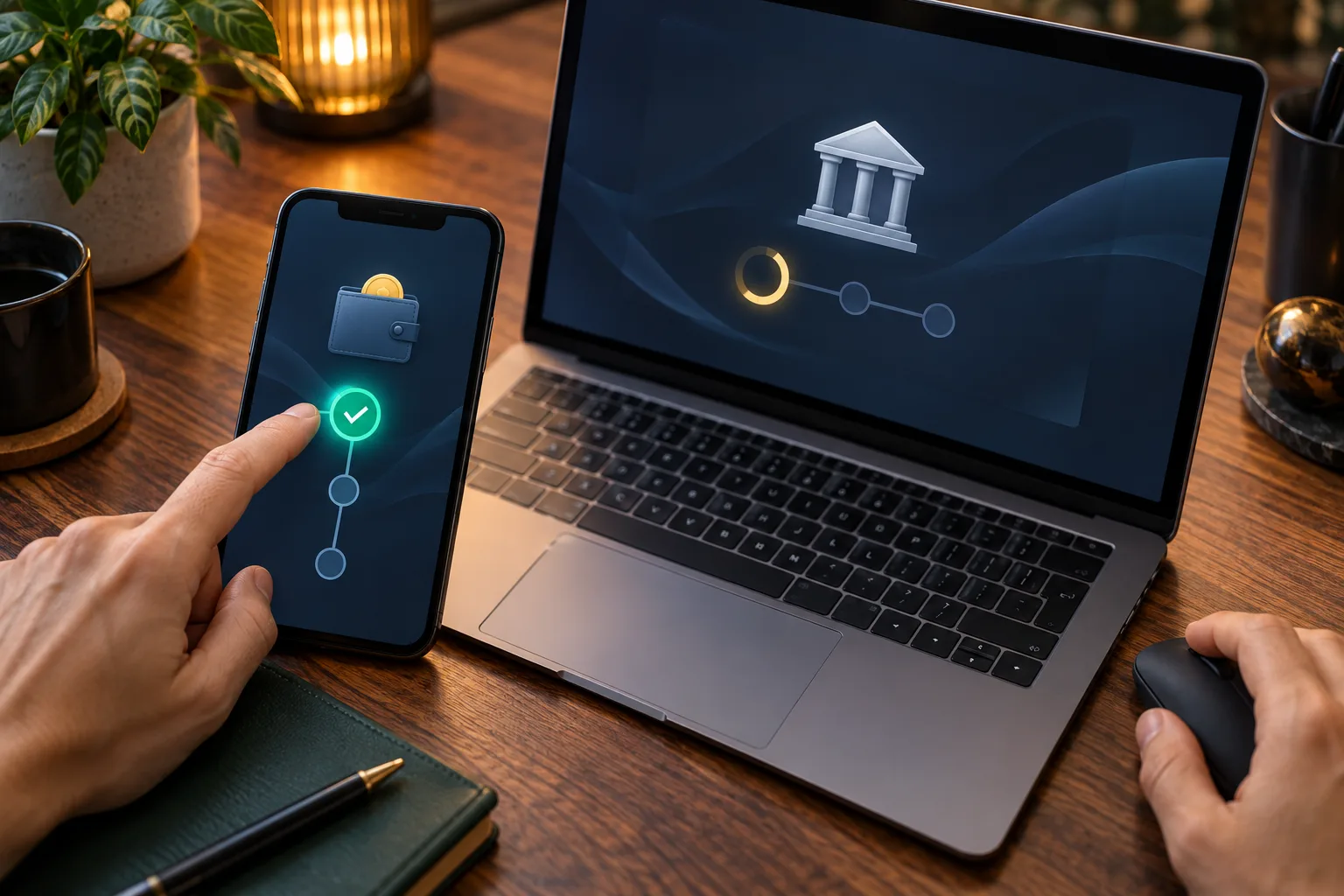
Three checkpoints help you interpret the wait: wallet authorisation, the wallet transaction status, and the casino's deposit record. These checkpoints describe progress; they are not promises about timing. A loading screen alone does not establish success or failure.
For example, suppose you authorise a hypothetical PHP 250 payment at 8:10 p.m. and inspect the casino balance at 8:12 p.m. Those two minutes do not independently establish a fault. Compare the records and the method's published processing guidance before deciding what action is appropriate.
An evening connection interruption can make the browser's status hard to interpret. Use a stable connection to reopen the transaction history without submitting another payment. Once the deposit is credited, open crazy time live only if the remaining budget and available time still suit your session.
Match the screen problem to the payment record
The useful question is where the transaction stopped, rather than whether the game is still running. A crazy time live score display can continue updating while your payment remains unresolved. Game activity gives you no evidence about the wallet debit.
- If GCash or Maya shows a pending payment, preserve its reference and check the stated guidance before creating a second deposit attempt.
- If the wallet shows completion but the casino balance is unchanged, compare the amount and reference with the cashier's deposit history.
- If the browser closes during authorisation, reopen the wallet history and casino account separately to establish whether either recorded the attempted payment.
- If the cashier rejects the amount, compare its displayed minimum and maximum with your entry, then reassess whether the route fits your budget.
- If payment instructions request another transfer to release an earlier deposit, stop and seek clarification through support accessed from your account.
A hypothetical duplicate illustrates the cost of guessing. Two PHP 250 transfers consume the entire PHP 500 wallet balance, even if you intended to spend only PHP 250. Do not use a second transfer as a test of whether the first worked.
When you need assistance, send the amount, timestamp, wallet reference, cashier deposit identifier and relevant status screenshots through the official support channel. Ask which transaction stage requires attention and what the next check should be. Remove unrelated personal details from screenshots, and never share a wallet PIN or one-time password.
Let the credited amount set the stopping point
After the deposit appears, compare the credited amount with the payment summary before placing a bet. If you expected PHP 290 and see a different amount, resolve that discrepancy while the records are easy to match. Do not assume an unexplained difference is a fee.
Keep the original spending cap after payment succeeds. Neither an interesting crazy time result nor a quick first deposit makes another transfer affordable. For the hypothetical PHP 300 allocation, reaching that spending limit means ending the funded session, even when GCash or Maya still holds money reserved for other needs.
The practical goal is a payment you can trace and a budget you can keep. Check the route, approve one understood amount, and wait for a clear account record before playing.