How Bonus Round Controls Work on a Phone With PHP 500
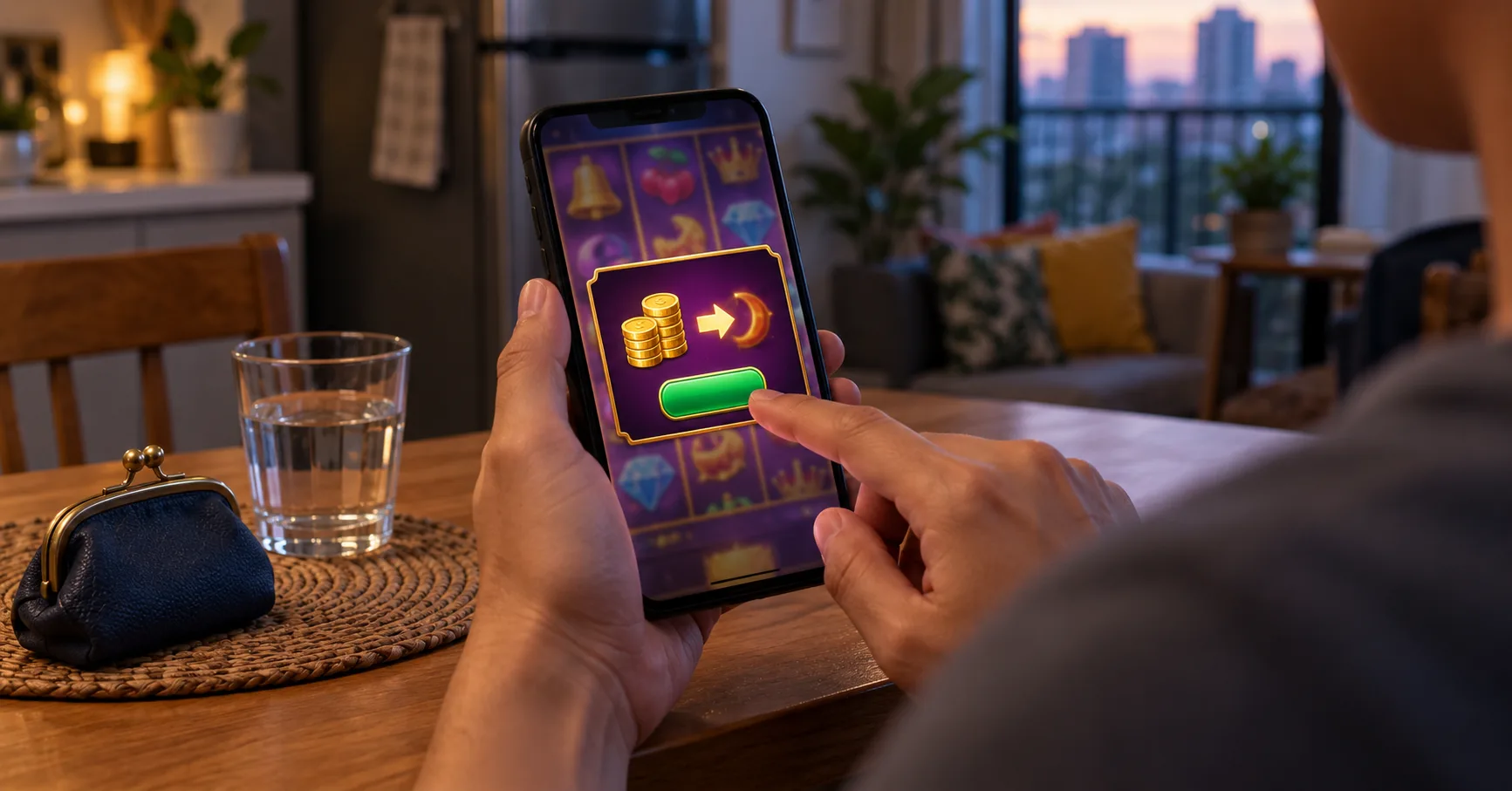
You are home after the commute, using mobile data, with PHP 500 available for entertainment. A game screen shows a bright Bonus button beside the usual spin control. Before touching either, you need to know whether that button opens instructions, starts an earned feature, or purchases entry.
Those actions have very different consequences for your balance. This walkthrough focuses on slot-style bonus rounds: the extra sequence a game may award after a qualifying result. The examples are hypothetical, so match every action to the rules displayed inside the game you open.
If losing the PHP 500 would affect food, transport, bills, or another commitment, keep it outside the game. An entertaining feature still involves money at risk.
Identify what the Bonus button actually opens
A bonus round belongs to the game's rules. It might involve free spins, a pick screen, or a separate result-revealing animation. A deposit promotion belongs to the account's offer terms. Accepting one does not automatically trigger the other, even when both use similar colours and labels.
A lobby asking for a Promo Code is handling promotion entry, not explaining which symbols trigger a feature. Likewise, an offer labelled Free Credits needs its own conditions checked. Neither label tells you what the next spin does.
Open the game's information panel before returning to the reels. Look for the trigger description, feature rules, and explanation of the stake display. If the panel uses unfamiliar symbols, compare them directly with the symbols on the playing screen.
- Find the stated trigger, including the required symbol count and whether those symbols must appear on particular reels or anywhere on screen.
- Check whether the feature awards spins, reveals prizes, or asks for selections, because each format gives your taps a different purpose.
- Read whether extra qualifying symbols can extend the feature, and distinguish those extensions from the original number of awarded actions.
- Locate any feature purchase explanation, including its total price and confirmation step, before touching a button that appears to offer immediate entry.
- Check how feature winnings are settled and whether the displayed total already includes amounts shown during earlier stages of the round.
This gives the animation a readable structure. You can recognise why a feature started, what remains to happen, and when its displayed result becomes a settled balance change.
Read the controls before the reels move
On a small phone, the most prominent button is not necessarily the most informative one. Open the controls while the game is idle. Labels and layouts differ, so use the game's own help panel to identify each function rather than guessing from an icon.
The stake deserves particular attention because a screen may separate coin value, stake level, and the total charged for one paid round. The total round cost is the figure that matters against PHP 500. Changing a component can change that total.
- The information or paytable control opens symbol values and feature rules; read how wins are formed before interpreting a highlighted group of symbols.
- The stake controls adjust the amount used for a paid round; confirm the total again after any change or game reload.
- The spin control requests a paid round at the displayed stake; wait for that round to settle before submitting another action.
- An autoplay control, where available, schedules repeated rounds; check its settings and cancellation behaviour before deciding whether to enable repeated paid actions.
- A speed or animation control changes presentation according to the help panel; do not assume faster movement changes prizes or feature probability.
- A feature entry control may begin an awarded sequence or purchase access; read its label and any confirmation panel before proceeding.
For an initial walkthrough, a single manual round is easier to follow because one request produces one result to inspect. That makes the deduction, symbol outcome, and settlement easier to connect. It does not improve the chance of winning.
A stop-shaped button also needs interpretation. Depending on the rules, it may shorten an animation or cancel future autoplay rounds. Never assume it lets you choose where symbols land or undo a wager already accepted.
Follow one hypothetical round from stake to settlement
Consider a fictional game with a PHP 5 total stake. Its rules say three scatter symbols anywhere on the reels award six free spins, using the triggering stake. These figures describe this example only; read your game's panel for its actual conditions.

Starting from PHP 500, one accepted PHP 5 round leaves PHP 495 before any return is credited. The paid round then resolves. Ordinary symbol wins follow the paytable, while the scatter condition determines whether the separate feature begins.
Suppose the result contains exactly three scatters and no ordinary win. The game displays an awarded-feature screen. Under these hypothetical rules, pressing its start control begins the six free spins without another stake deduction.
- Confirm the PHP 5 total stake while the game is idle, then press spin once and wait for the result to appear.
- Read the completed reel result against the paytable, separating any ordinary symbol win from the scatter combination that awards the feature.
- Check the awarded spin count on the feature introduction screen, then use its start control after confirming that no purchase is requested.
- Watch the remaining-spin counter and accumulated feature total, checking whether a qualifying result adds spins under the fictional game's stated rules.
- Wait for the final summary and return to the main screen, then compare the settled balance with the round's total recorded return.
If those six spins return PHP 18 altogether, the settled balance becomes PHP 513: PHP 500 minus PHP 5 plus PHP 18. The net change is PHP 13. The PHP 18 return is not an additional amount to add twice.
The same feature could return nothing in a game whose rules allow that outcome. Free spins describe how the awarded actions are charged, not a promise of profit. A feature animation does not establish that you recovered the triggering stake.
If a different feature asks you to select covered objects, read what the choices control. A tapping sequence may reveal a result without offering a meaningful strategic advantage. Do not infer better odds from an object's position, colour, or previous appearance.
When a data interruption leaves the round unfinished on screen
Mobile data can drop while reels are moving or while a feature total is counting upward. The visible interruption alone does not establish whether the game accepted the wager. A stalled animation and an unsettled round are different things.

Avoid tapping repeatedly to force progress. If you switch from mobile data to home Wi-Fi, allow the account and game to reconnect before deciding what happened. The restored screen, balance, and round record need to agree.
- Stop pressing spin or feature controls when the screen stalls, and preserve a screenshot if it shows the last visible round state.
- Restore a stable connection, reopen the same account and game, and follow any recovery instructions displayed before attempting another paid action.
- Inspect the available round history for the stake, recorded result, and settlement status, using the round identifier to distinguish neighbouring entries.
- If the screen and record conflict, keep the identifier and screenshots, then request clarification through support before placing another wager.
A remembered PHP 495 balance is useful context, but it cannot prove whether a feature paid afterward. The round record provides the stronger comparison. Check whether its figures describe individual stages or the complete round before adding anything together.
A payment interruption belongs to a separate sequence. If an e-wallet approval or payment-centre transaction has not appeared in the cashier, confirm that deposit's status before opening a paid round. Repeating a transfer cannot resolve what an earlier game animation means.
Recognise the point where play becomes paid again
After the feature summary closes, check whether the ordinary stake and spin control have returned. That transition matters because the next tap may request another paid round. An awarded sequence ending does not grant continuing free play.
Review any stake adjustment before continuing, especially after reopening the game. Keep feature returns separate from assumptions about future results. A previous trigger does not establish when another will arrive, and repeated losses do not make a bonus due.
With PHP 500, the useful first-round outcome is understanding every deduction and result on screen. You can stop after that inspection. There is no need to keep playing until a feature appears merely to complete the walkthrough.